

MSI AI Laptops

Nenhum produto encontrado
I was very skeptical on buying this refurbished Dell rugged 5420 because the price was so low, on sale and the shipping took a bit longer than expected. But after opening the box and seeing the laptop that is 10 years old I’m impressed on the final product I received. Laptop looks great and works great! Definitely would buy another rugged book from these guys!
I bought a "new battery" for my Dell computer that had obvious signs of being used. It did not work, is dead and the system can't even see it. Apparently they did not had a replacement battery available. Since I had to pay $30.50 USD additional for custom charges I told them I could wait for them to get the replacement battery but instead they refunded me their charge but not the $30.50 additional I paid so, I ended up paying $30.50 USD for for a used, useless battery.
Item arrived in a speedy manner, and what was in the box was exactly as described on the website. Price was on the higher end, but justifiable through the speedy process
Ruggedbooks were amazing to deal with, I mistyped my email (with a . Like my work email, not a _ for my personal email.
I reached out, they got back to me fast, shipped quick.
10/10 will order from again
The company provided great after sales service and were very professional. I ended up purchasing another amazing Panasonic unit in great condition.
I have been dealing with this company for almost as long as they've been around. I reviewed them some time ago, but want to do it again. These guys are fantastic! The hardware is great and if there's any kind of blip, they are right there to help out.
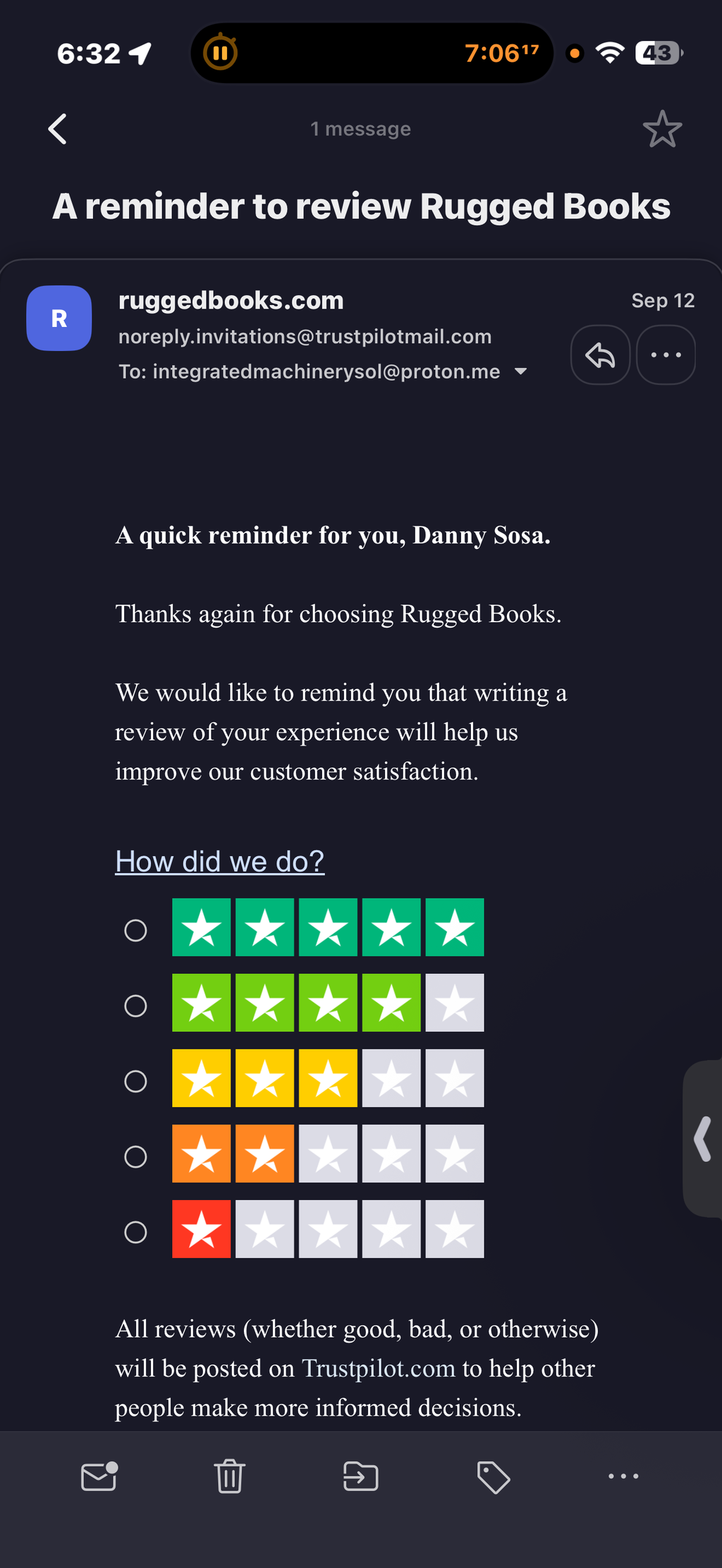
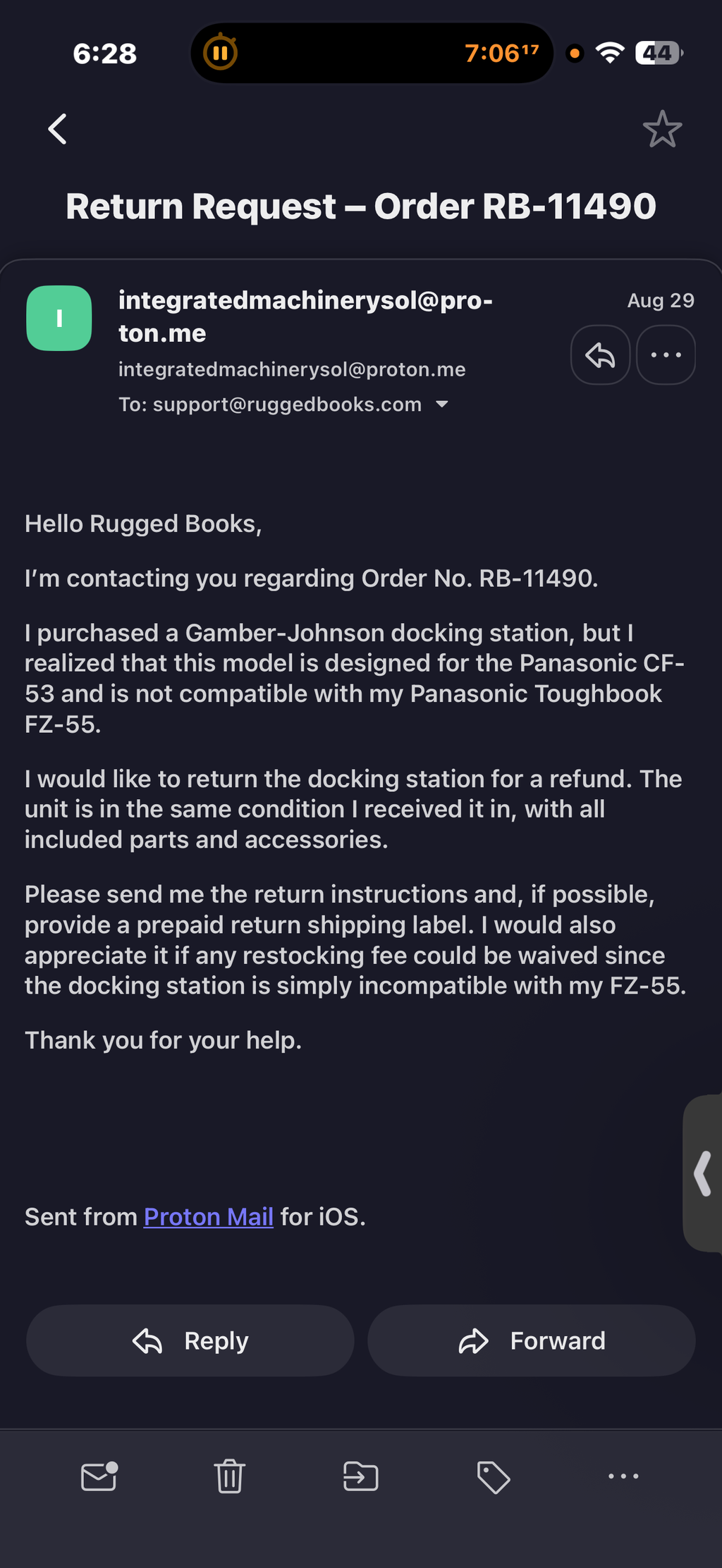
I contacted Rugged Books on August 29, 2026 regarding a return for Order RB-11490 and requested return instructions and a refund. I also contacted them again from another email address and have not received a response. Ironically, I did receive an automated email asking me to review my experience while I am still waiting for a response regarding my return. I would be happy to update this review if Rugged Books resolves the issue.
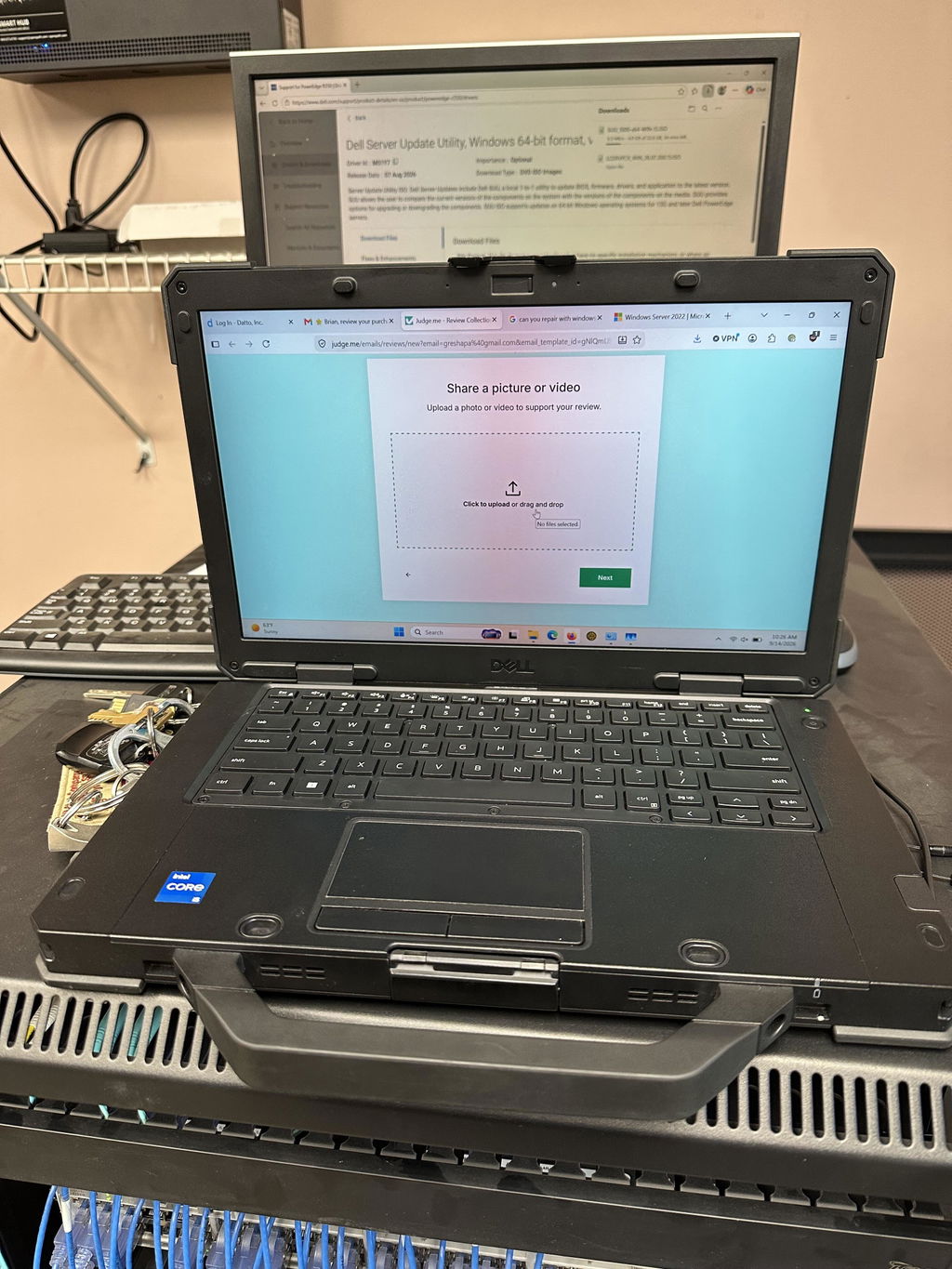
I literally stole this laptop from RuggedBooks. It was in even better condition than described. $900 for a rugged dell laptop with i5 11th gen, and a 1100 nit outdoor viewable touchscreen!
Just bought a Panasonic FV4-series laptop from Rugged Books. I was specifically looking for a newer laptop that had physical touchpad buttons, the Context Menu button on the keyboard (right-click without moving your hand to the mouse), and a bunch of other features that make the laptop efficient to use. Huss and Naz were very responsive and answered all my questions.
I'll definitely check them out first when I or anyone I know needs their next laptop, especially a rugged one.
Had a problem with the power cord when the laptop was first shipped. Gavan got the replacement sent to me that day and it fixed the issue. I was very happy with their very quick response in resolving the issue!
You did a horrible job of cleaning the hard drive. The laptop I received was in local only restricted Windows mode (hard lock). Could not add my microsoft account or my 365. Could not switch the computer into an unrestricted mode. Had to crash the setup and totally reinstall Windows. Had a terrible time with DHL shipping. Shipping within the continental US is not their strong suit. The computer went half way across the country before I received. I am only 40 miles away from Niagara on the Lake.
Quality shop with excellent customer service. I had an issue with the charger for my laptop within the first couple of months of receiving it, and Rugged Books sent out a replacement within 12 hours of receiving my email—no questions asked.
I’ll happily continue doing business here.
Excellent customer service. I am a returning customer and I highly recommend this company.
Un gros merci ! Bon service! Courtois et rapide sur la livraison et sur les réponses suite à mes demandes. Produit livré rapidement et en condition comme décrit
Great product and fast shipment. It was exactly what I was expecting.
This team offers great service, great communication. I have started to replace computers in our vehicles. Their solutions are great and work exactly as they should. I intend to purchase more.
Thanks Rugged Books
Little bit heavy, only on this battery laptop run for 18 hours. Good 👍
This business REALLY did well with me. Communication, incredible shipping and arrival, and a superb product! Great work by Gavan, Bob, and Huss making this happen.
My first experience with this company has been overwhelmingly positive.
I originally purchased an excellent condition refurbished Panasonic Toughbook CF33 MK2 via their amazon page. It is, as listed, in excellent condition, aside from one thing. The DC in/charging port on the premium keyboard's debris cover did not fully close/close correctly so I contacted the company through their website. Mr. Gavan Wilson responded and was extremely helpful. In the email I explicitly mentioned that I'd prefer just the keyboard to be returned rather than the entire unit so I could continue using it, and Mr. Wilson was eager to work with me, allowing just the keyboard be returned for exchange, which was free as the label was provided by the company.
When I realized it would need to be shipped to Canada from the southern US, which had a good chance of causing a timing issue for me, Mr. Wilson was extremely trusting and kind in immediately working to get a unit shipped my way as soon as I handed the package off to the carrier, which is something I've never experienced before. He was very thorough through the whole process. I am extremely pleased with not only how my case was handled, but with the general support and condition of products this company provides. It is my upmost recommendation that anyone looking for products carried by this company purchase them from here, you will not be disappointed, you're more likely to be surprised with how they conduct themselves. Give this man a promotion!
Years ago, I bought a Panasonic Toughbook from them. They shipped it fast and gave great service. Recently, I thought my laptop had a huge problem. I reached out and they replied fast, worked around my busy schedule, logged into my computer remotely, cleaned up the system, ran scans, and fixed my driver problems. Juan thanks so much !!
While I am not the recipient of the Rugged Book, I have to share that the support I received during the purchase process was OUTSTANDING! THANK YOU Abdul Rahman Awad
I ordered a Panasonic Toughbook Laptop, with a screen protector and stylus. The product arrived from Canada in just two days! Everything came pre-installed. There was an issue removing the outer cover from the screen protector. I submitted for assistance online. Juan with Rugged Books sent me an email and called within a few minutes. He was able to assist me with the issue. Great and Fast service!
Great experience with Rugged Books. The communication was excellent, the team was very helpful during shipping, and the laptop arrived without any issues. The product is working perfectly and meets our expectations. Highly recommended!
Huss at Rugged Books was very helpful. I needed a 12v adaptor specific for a new laptop. He recommended the product I needed and I received it three days after placing the order.
Inside an AI laptop
More power for the work AI does
A dedicated AI engine, more memory and smarter power use. Here is what that adds up to across the brands we carry.
- Up to1 petaflop AI performance with NVIDIA RTX Spark
- Up to128GB Memory for running large AI models
- At least40+ TOPS NPU speed on every Copilot+ PC
- At least16GB Memory on every Copilot+ PC
-
Built for AI and agents
A dedicated NPU runs AI features in the background, while RTX graphics handle local models and agents without the cloud.
-
Longer battery life
Everyday AI tasks run on the low-power NPU instead of the CPU, so you get more hours away from the charger.
-
Creator ready
AI tools in Premiere Pro, Photoshop and DaVinci Resolve use the GPU and NPU for faster masking, upscaling and effects.
-
Ready for business
Business lines from Dell, HP and Lenovo add remote management and hardware security. We can image and deploy in volume.
Top figures are the maximum available across the range. Check each listing for the exact specs.
Featured AI laptops
Top picks from every brand
Our pick from each maker's AI lineup. Tap a model to see what we have in stock.


Not sure which one fits?
Tell us how you will use it, how many you need and your budget. Our team will match you to the right brand, chip and memory, and quote volume pricing for teams.
AI laptop questions
What is an AI laptop?
What is an AI laptop?
An AI laptop has hardware built to run artificial intelligence tasks on the device instead of in the cloud: a neural processing unit (NPU) on the processor, a GPU that can handle AI workloads, and enough memory to hold AI models while they run.
What is a Copilot+ PC?
What is a Copilot+ PC?
Copilot+ PC is Microsoft's label for Windows laptops with an NPU rated at 40+ TOPS, at least 16GB of memory and at least 256GB of storage. These laptops get extra Windows features such as Recall, Click to Do, Live Captions with translation and Windows Studio Effects for video calls.
Do I really need an AI laptop?
Do I really need an AI laptop?
If you spend a lot of time on video calls, want Copilot+ features, run AI tools locally or do creative work, yes. If you mostly use email, a browser and Office, a standard laptop still does the job. New Windows and software features increasingly expect an NPU, so an AI laptop will stay current longer.
How much memory do I need?
How much memory do I need?
16GB is the minimum for Copilot+ and fine for everyday AI features. Choose 32GB to run local AI models or work with large creative files, and 64GB or more for large language models on the laptop itself.
Intel, AMD, Snapdragon or NVIDIA: which should I choose?
Intel, AMD, Snapdragon or NVIDIA: which should I choose?
Intel Core Ultra and AMD Ryzen AI run every existing Windows app and driver, which makes them the safe pick for business fleets. Snapdragon X gives the longest battery life but uses an Arm processor, so check specialist software first. Laptops with NVIDIA RTX graphics are the strongest choice for local AI models, video and 3D work.
Will my software run on an Arm laptop?
Will my software run on an Arm laptop?
Snapdragon and NVIDIA RTX Spark laptops use Arm processors. Most popular apps run natively, and Windows translates many older apps automatically. Some specialist drivers, VPN clients and older business tools can still cause problems. If you depend on any of these, choose Intel or AMD, or ask us to check before you buy.
Are these AI laptops rugged?
Are these AI laptops rugged?
No. These are standard business and consumer models. If you need a laptop that handles drops, dust, water and extreme temperatures, shop our rugged laptops.
Do you offer volume pricing?
Do you offer volume pricing?
Yes. Send your quantity, preferred brand and specs through our quote form and we will reply with pricing, lead times and deployment options.