

Choisir entre Linux et Windows sur votre ordinateur portable durci a un impact direct sur la fiabilité des performances de votre machine dans des conditions extrêmes. Les ordinateurs portables durcis sont un excellent choix pour les professionnels qui ont besoin de performances fiables dans des environnements exigeants.
Les ordinateurs portables durcis sous Linux sont conçus pour résister aux chutes, à la poussière, aux chocs et aux températures extrêmes. Que vous effectuiez des diagnostics sur une plate-forme pétrolière, gériez des interventions d'urgence dans un véhicule de patrouille ou surveilliez le contrôle qualité sur le site de production d'une usine, votre système d'exploitation détermine tout, de l'autonomie de la batterie à la compatibilité logicielle.
Ce guide détaille exactement ce que chaque système d'exploitation offre aux professionnels travaillant dans des environnements difficiles, afin que vous puissiez prendre une décision éclairée qui corresponde à vos exigences de travail et à votre budget.
Pourquoi le choix du système d'exploitation est important pour les ordinateurs portables durcis dans les travaux difficiles
Votre ordinateur portable durci est conçu pour supporter la poussière, les chutes, les vibrations et les températures extrêmes. Mais le matériel n'est que la moitié de l'équation. Le système d'exploitation qui le sous-tend détermine l'efficacité avec laquelle votre machine utilise la puissance de traitement, l'autonomie de votre batterie entre les charges, et si votre logiciel critique fonctionne sans problèmes de compatibilité.
Dans les environnements difficiles où l'accès instantané aux données peut faire ou défaire une opération, la stabilité du système d'exploitation n'est pas facultative, elle est essentielle. Un crash système lors d'une inspection sur le terrain ou une mise à jour inattendue lors d'une intervention d'urgence peut avoir de lourdes conséquences. Le système d'exploitation dicte également les solutions logicielles industrielles que vous pouvez exécuter nativement, la manière dont votre appareil s'intègre aux systèmes informatiques existants et le niveau de sécurité qui protège les données opérationnelles sensibles.
Pour les organisations qui déploient plusieurs appareils, le choix entre Windows et Linux affecte considérablement le coût total de possession. Les frais de licence, les exigences de formation et l'infrastructure de support entrent tous en ligne de compte.
Chez Rugged Books, nos ordinateurs portables durcis remis à neuf certifiés de Panasonic, Dell et Getac sont disponibles avec les deux options de système d'exploitation. Que vous ayez besoin d'un Toughbook configuré pour les environnements d'entreprise Windows ou d'un Dell Rugged optimisé pour exécuter Linux, nous offrons la flexibilité nécessaire pour répondre à vos exigences opérationnelles.
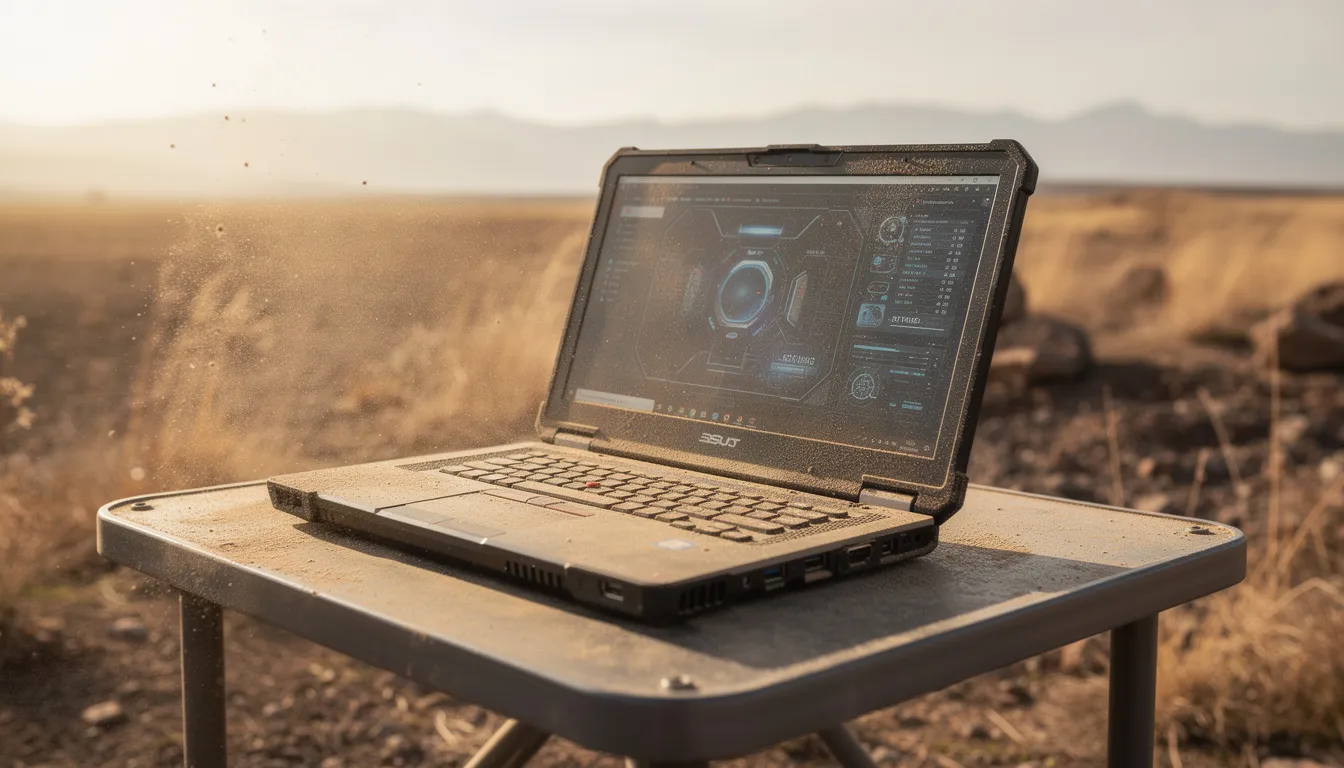
Exigences pour les ordinateurs portables durcis
Lors de la sélection d'un ordinateur portable durci pour un usage industriel, il est crucial de privilégier les fonctionnalités qui garantissent des performances fiables dans les environnements les plus difficiles. Ces ordinateurs portables sont conçus pour résister aux températures extrêmes, à la poussière persistante et aux vibrations constantes, des conditions courantes dans l'automatisation industrielle et les opérations sur le terrain. Un ordinateur portable durci doit être équipé d'un processeur puissant et d'une mémoire vive suffisante pour gérer des solutions logicielles exigeantes sans latence, assurant un fonctionnement fluide même lors de l'exécution d'applications industrielles complexes.
Le choix du système d'exploitation joue un rôle important dans la fiabilité et la compatibilité globales. Les ordinateurs portables Linux sont particulièrement appréciés dans ces environnements pour leur sécurité robuste, leurs performances stables et leur large compatibilité avec une gamme de logiciels industriels et d'automatisation. La nature open source de Linux permet également une personnalisation, facilitant l'adaptation du système aux besoins opérationnels spécifiques.
La durabilité physique est tout aussi importante. Recherchez des fonctionnalités telles que des claviers et des pavés tactiles scellés pour empêcher la pénétration de la poussière, des disques durs montés sur amortisseurs pour protéger les données lors des chutes, et des châssis renforcés pour absorber les impacts et les vibrations. Ces éléments de conception garantissent que l'ordinateur portable peut survivre aux rigueurs de l'utilisation quotidienne dans des conditions extrêmes, offrant aux professionnels un outil fiable qui ne les laissera pas tomber quand cela compte le plus.
Avantages de Windows sur les ordinateurs portables durcis pour les travaux difficiles
Large compatibilité logicielle pour les applications industrielles
Windows domine la compatibilité logicielle industrielle. La grande majorité des outils de diagnostic propriétaires, des applications d'entreprise et des logiciels de terrain spécialisés sont développés avec Windows comme plate-forme principale. Si votre opération repose sur des programmes de CAO comme AutoCAD ou SolidWorks, des équipements de diagnostic spécifiques à l'industrie, ou des systèmes hérités construits au fil des décennies d'utilisation industrielle, Windows offre un support entièrement compatible sans contournements. Les logiciels standard de l'industrie comme Photoshop ne sont pas pris en charge nativement sur Linux, ce qui donne à Windows un net avantage pour les professionnels qui ont besoin de telles applications.
Les applications réelles démontrent clairement cet avantage. Les professionnels du pétrole et du gaz dépendent des systèmes de surveillance SCADA basés sur Windows. Les équipes de fabrication utilisent des plates-formes MES compatibles Windows. Les services d'urgence exécutent des logiciels de répartition, des applications de cartographie et des outils d'intégration radio conçus exclusivement pour les environnements Windows. Cet écosystème logiciel signifie que votre ordinateur portable durci fonctionne de manière transparente avec les outils que votre industrie utilise déjà. Linux est open-source mais peut avoir des applications industrielles propriétaires limitées, tandis que Windows est la norme de l'industrie pour les logiciels comme AutoCAD et MS Office.
Fonctionnalités prêtes pour l'entreprise pour les environnements professionnels
Windows offre une infrastructure d'entreprise sur laquelle les services informatiques s'appuient. L'intégration d'Active Directory permet une gestion centralisée des utilisateurs sur plusieurs appareils durcis. Les politiques de groupe garantissent des configurations de sécurité cohérentes, que votre ordinateur portable soit au bureau ou qu'il fonctionne à distance dans des conditions extrêmes.
De nombreuses organisations s'appuyaient auparavant sur Windows XP pour sa stabilité et son support étendu, mais la fin du support de XP a créé des défis de transition lorsque les entreprises sont passées à des versions plus récentes de Windows ou ont envisagé des distributions Linux offrant une expérience de bureau similaire à celle de XP.
Les fonctionnalités de chiffrement intégrées protègent les données sensibles sur les appareils qui transitent par des environnements à haut risque. Les capacités de bureau à distance permettent aux travailleurs sur le terrain de rester connectés au siège. La compatibilité avec Microsoft Office élimine les problèmes de formatage de documents, et l'interface utilisateur familière réduit considérablement le temps de formation – la plupart des gens peuvent utiliser un ordinateur portable durci Windows immédiatement sans instruction spécialisée.
Support des pilotes matériels et intégration des fabricants
Panasonic, Dell et Getac développent leurs ordinateurs portables durcis avec Windows comme système d'exploitation principal. Cela signifie un support de pilote complet pour des fonctionnalités spécialisées telles que les modules GPS, les modems cellulaires, les scanners de codes-barres et les ports industriels. Lorsque vous connectez des équipements de test ou des périphériques industriels, Windows les reconnaît généralement instantanément grâce à la compatibilité plug-and-play. Pour plus d'informations sur les meilleurs ordinateurs portables pour le diagnostic automobile, consultez notre guide complet.
Les canaux de support des fabricants sont optimisés pour les configurations Windows. Le service de garantie, les mises à jour du micrologiciel et l'assistance technique se déroulent sans problème lorsque vous utilisez le système d'exploitation pour lequel ces appareils ont été conçus. Nos ordinateurs portables durcis remis à neuf certifiés conservent cet avantage de support – vous bénéficiez de la même intégration matérielle fiable qu'un appareil neuf.
Inconvénients de Windows sur les ordinateurs portables durcis pour les travaux difficiles
Mises à jour fréquentes et exigences de maintenance
La gestion des mises à jour Windows crée de véritables défis opérationnels pour les professionnels sur le terrain. Des installations de mises à jour inattendues peuvent être quelque peu perturbatrices ou gourmandes en ressources - imaginez votre ordinateur portable durci exigeant un redémarrage lors d'une intervention d'urgence ou d'une inspection de site distant. Dans les endroits où la connectivité Wi-Fi est limitée, le téléchargement de mises à jour volumineuses devient peu pratique, voire impossible.
Les mises à jour majeures de Windows peuvent parfois entraîner une instabilité du système sur du matériel ancien, y compris les ordinateurs portables durcis qui peuvent avoir plusieurs générations de retard par rapport aux PC grand public actuels. Pour les environnements critiques où chaque minute compte, ces exigences de maintenance représentent un réel risque opérationnel.
Consommation de ressources et coûts de licence plus élevés
Windows consomme beaucoup plus de RAM et de puissance de traitement que les alternatives légères. Les processus en arrière-plan, les services de sécurité et les fonctionnalités du système s'exécutent en permanence, réduisant les ressources disponibles pour vos applications industrielles. Sur les ordinateurs portables durcis, cela se traduit directement par une autonomie de batterie plus courte, une préoccupation essentielle pour le travail sur le terrain toute la journée sans accès à la recharge.
Les coûts de licence s'accumulent rapidement. Les éditions Windows Pro ou Enterprise requises pour les fonctionnalités commerciales ajoutent des dépenses par appareil. Lors du déploiement de plusieurs ordinateurs portables durcis dans des équipes de terrain, ces frais deviennent substantiels. Les achats de logiciels de sécurité supplémentaires augmentent à la fois les coûts et la surcharge du système.
Vulnérabilités de sécurité et risques de logiciels malveillants
Windows reste la cible principale des cyberattaques. Les environnements industriels traitant des données opérationnelles sensibles sont confrontés à des menaces de rançongiciels, à des tentatives d'espionnage industriel et à des logiciels malveillants conçus pour exploiter les vulnérabilités de Windows. Une surveillance de sécurité constante et un logiciel antivirus sont non négociables.
La gestion des correctifs de sécurité dans des environnements de travail isolés – plates-formes offshore, sites de construction distants, exploitations minières – présente des défis logistiques. Les correctifs tardifs rendent les systèmes vulnérables ; les correctifs précipités risquent la stabilité. Cette complexité de gestion de la sécurité exige une attention et des ressources informatiques continues.
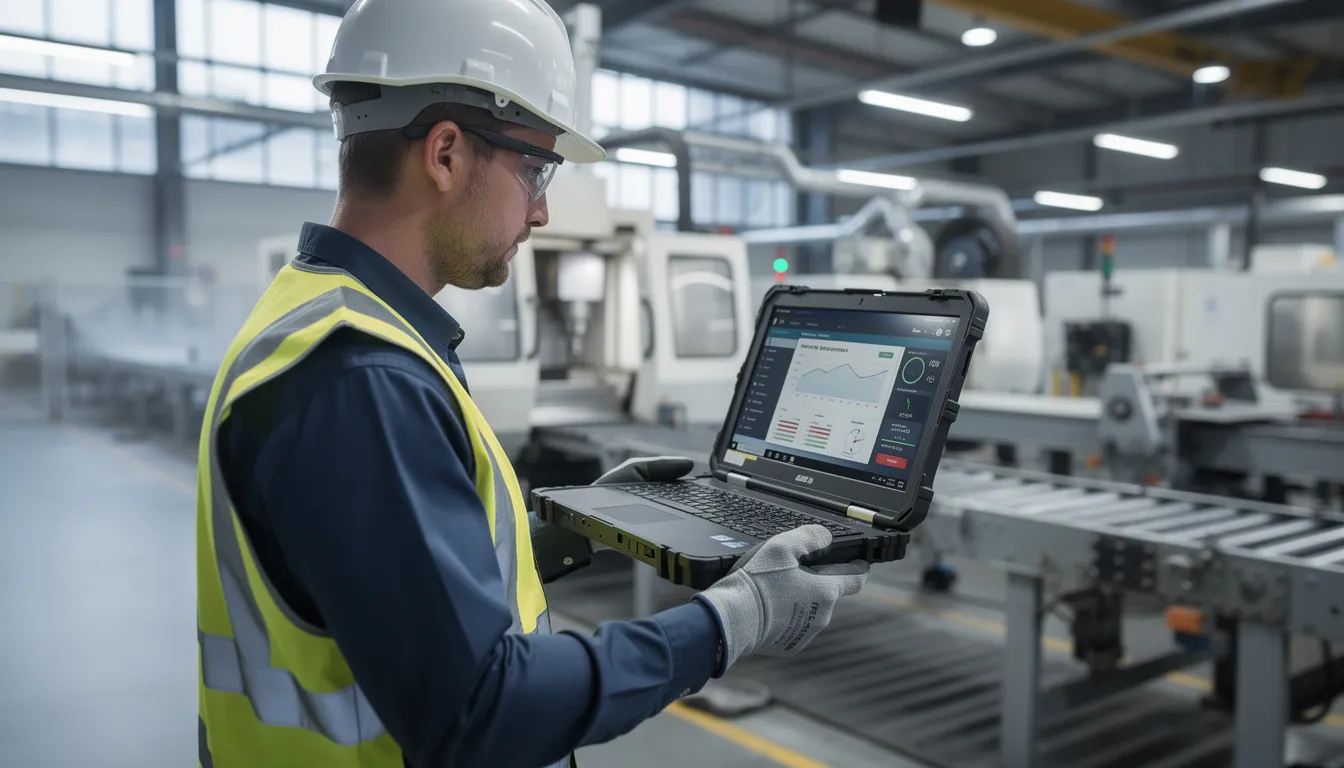
Avantages de Linux sur les ordinateurs portables durcis pour les travaux difficiles
Performances légères et autonomie prolongée de la batterie
Les ordinateurs portables Linux démontrent une efficacité remarquable sur le matériel durci. Les temps de démarrage sont nettement plus rapides. Les applications se lancent rapidement. Le système d'exploitation utilise un minimum de RAM et de puissance de traitement, laissant un maximum de ressources disponibles pour votre travail réel.
Pour les professionnels travaillant de longues heures dans des environnements difficiles sans accès à l'alimentation, la consommation d'énergie réduite de Linux se traduit par une autonomie de batterie considérablement plus longue. Sur les ordinateurs portables durcis remis à neuf certifiés – où vous optimisez la valeur d'un matériel ancien performant – l'architecture légère de Linux garantit un fonctionnement fluide et réactif qui égale ou dépasse les nouvelles machines Windows.
Sécurité et stabilité améliorées
Linux offre des avantages de sécurité intrinsèques grâce à son architecture. Il existe moins de vecteurs d'attaque par rapport à Windows. La communauté open source audite continuellement le code à la recherche de vulnérabilités – une transparence que de nombreuses organisations exigent à des fins de conformité.
La stabilité du système est exceptionnelle. Les utilisateurs de Linux subissent moins de plantages, pas d'arrêts inattendus et pas de redémarrages forcés lors d'opérations critiques. Le système d'exploitation fonctionne de manière fiable pendant de longues périodes, ce qui le rend idéal pour l'automatisation industrielle, la surveillance continue et les applications où la disponibilité est non négociable. Sans frais de licence, vous éliminez un coût récurrent important tout en bénéficiant d'une plate-forme plus stable.
Personnalisation et contrôle pour les applications spécialisées
Linux offre un contrôle total sur chaque aspect de votre système. Vous pouvez supprimer les composants inutiles, créant des machines spécialement conçues et optimisées pour des tâches industrielles spécifiques. Choisissez parmi des dizaines d'environnements de bureau – certains optimisés pour une utilisation sur écran tactile dans des environnements difficiles, d'autres pour des performances maximales sur du matériel limité.
Les modifications de noyau personnalisées permettent une intégration matérielle spécialisée. Si votre opération nécessite des configurations uniques que Windows ne prend pas en charge, Linux offre la flexibilité nécessaire pour construire exactement ce dont vous avez besoin. Les gestionnaires de paquets simplifient l'installation et les mises à jour logicielles, vous donnant le contrôle sur le moment et la manière dont votre système change.
Rentabilité et support à long terme
Zéro frais de licence représentent des économies immédiates et continues. Installez Linux sur un nombre illimité d'appareils durcis sans coûts unitaires. La plupart des solutions logicielles industrielles pour Linux sont également gratuites ou à faible coût, réduisant considérablement le coût total de possession pour les organisations gérant plusieurs ordinateurs portables.
Les versions de support à long terme comme Ubuntu LTS offrent une stabilité pour les déploiements critiques – des années de mises à jour de sécurité sans modifications majeures du système. La communauté Linux stimule l'amélioration continue, et les exigences système légères prolongent la durée de vie utile du matériel remis à neuf certifié. Votre investissement dans un ordinateur portable durci performant offre une valeur bien plus longue que ce que permettraient des alternatives gourmandes en ressources.
Inconvénients de Linux sur les ordinateurs portables durcis pour les travaux difficiles
Courbe d'apprentissage et exigences en matière d'expertise technique
Linux nécessite des connaissances techniques que la plupart des utilisateurs de Windows ne possèdent pas. L'utilisation de la ligne de commande, la configuration du système et le dépannage exigent des compétences que les techniciens sur le terrain pourraient avoir besoin de développer. Les coûts de formation et la perte de productivité pendant la période d'apprentissage représentent de réels investissements.
Dans les endroits éloignés, trouver un support informatique certifié Linux est un défi. En cas de problème, votre équipe peut avoir besoin de le résoudre en interne. La gestion des paquets et la résolution des dépendances – bien que puissantes – ajoutent une complexité que les utilisateurs de Windows ne rencontrent jamais.
Limitations de compatibilité logicielle
Les logiciels propriétaires dominent de nombreuses industries, et la compatibilité Linux reste limitée. Si votre opération dépend d'outils de diagnostic spécifiques à Windows, d'interfaces d'équipement héritées ou d'applications industrielles spécialisées, le support natif de Linux peut ne pas exister.
Des solutions de contournement comme Wine ou la virtualisation peuvent exécuter certains logiciels Windows, mais les performances en souffrent et la fiabilité diminue. Les pilotes manquants pour les fonctionnalités spécialisées des ordinateurs portables durcis – certains modules GPS, modems cellulaires ou ports industriels – créent des lacunes fonctionnelles. Avant de vous engager avec Linux, vérifiez que chaque application critique de votre flux de travail fonctionnera correctement.
Considérations relatives au support du fabricant et à la garantie
Panasonic, Dell et Getac concentrent leurs efforts de support Windows sur leurs ordinateurs portables et tablettes durcis. Le support officiel de Linux varie de limité à inexistant. Lorsque vous installez Linux sur un ordinateur portable Windows remis à neuf certifié, des questions de couverture de garantie peuvent se poser.
Moins d'options Linux préconfigurées existent sur le marché des ordinateurs portables durcis remis à neuf. L'intégration avec l'infrastructure informatique d'entreprise existante – en particulier les environnements Active Directory – présente des défis. Les organisations dotées de systèmes de support basés sur Windows établis sont confrontées à une complexité supplémentaire lorsqu'elles ajoutent des appareils Linux à leur flotte.
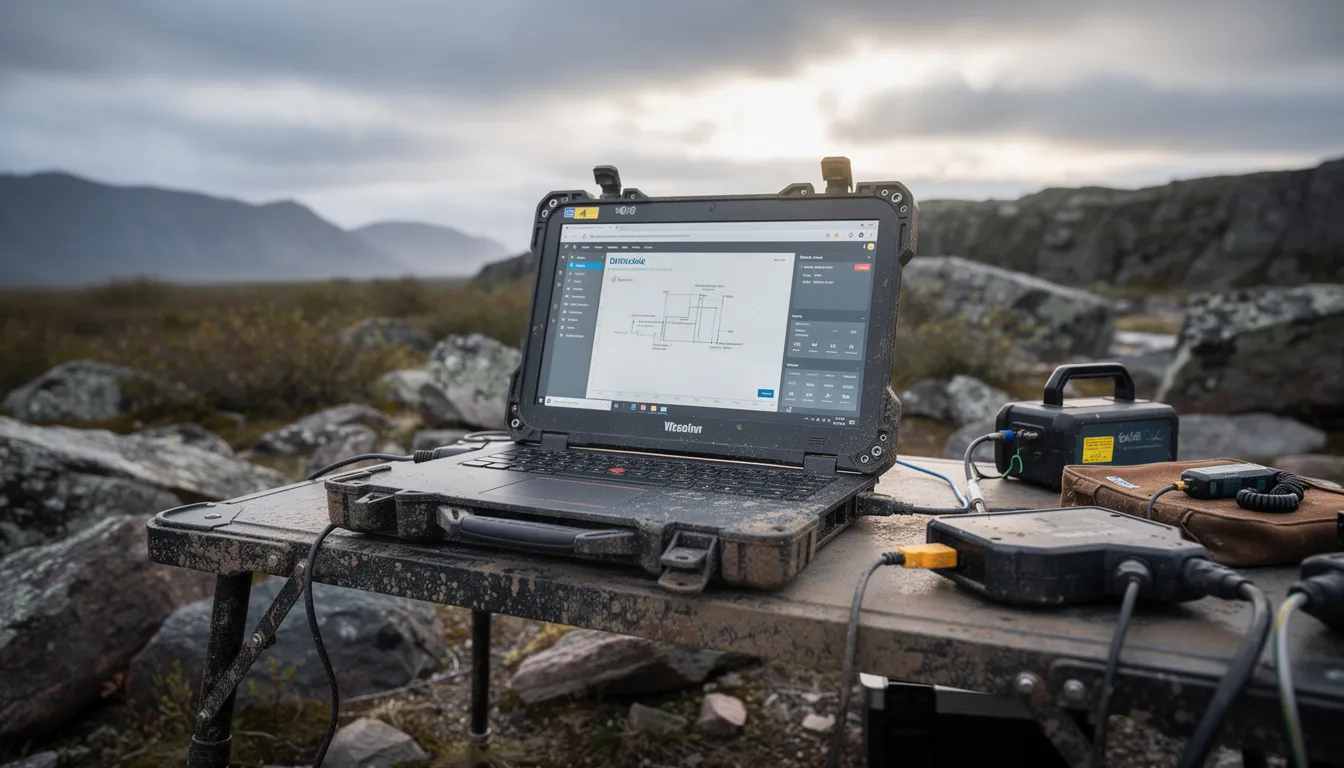
Tablettes durcies comme alternative
Les tablettes durcies sont devenues une alternative convaincante aux ordinateurs portables traditionnels pour un usage industriel, offrant un mélange de portabilité, de polyvalence et de performances robustes. Conçues pour les environnements exigeants, ces tablettes sont équipées de processeurs puissants et d'écrans haute résolution, ce qui les rend idéales pour des tâches telles que la lecture de codes-barres, la saisie de données et la gestion des services sur le terrain. Leur format léger permet un transport et une utilisation faciles dans des espaces restreints ou en déplacement.
L'un des principaux avantages des tablettes durcies est leur compatibilité avec un large éventail de solutions logicielles, y compris les logiciels propriétaires et les systèmes d'automatisation industrielle. De nombreuses tablettes durcies sont entièrement compatibles avec les mêmes applications utilisées sur les ordinateurs portables durcis, assurant une intégration transparente dans les flux de travail existants. Cependant, il est important de noter que si les tablettes durcies offrent des performances impressionnantes, elles ne correspondent pas toujours à la puissance de traitement d'un ordinateur portable de taille normale, ce qui peut être une considération pour les applications gourmandes en ressources.
Des problèmes de compatibilité peuvent occasionnellement survenir, notamment avec des logiciels très spécialisés ou hérités. Avant de déployer des tablettes durcies dans votre opération, il est judicieux de vérifier que toutes les applications critiques sont prises en charge et que les appareils sont équipés pour gérer les exigences spécifiques de votre environnement industriel.
Fiabilité dans des conditions extrêmes
La caractéristique principale des ordinateurs portables et tablettes durcis est leur capacité à offrir des performances fiables dans des conditions extrêmes où les appareils grand public standard échoueraient. Ces appareils sont spécialement conçus pour résister aux défis de l'automatisation industrielle, notamment l'exposition à des températures extrêmes, à la poussière omniprésente et aux vibrations incessantes. Des fonctionnalités telles que des claviers scellés, des disques durs montés sur amortisseurs et des boîtiers renforcés garantissent que les appareils durcis peuvent survivre aux chutes, aux chocs et à d'autres contraintes physiques rencontrées sur le terrain.
Les appareils durcis sont également conçus pour fonctionner efficacement dans des environnements avec une connectivité Wi-Fi limitée, ce qui les rend idéaux pour les sites distants, les usines industrielles et les opérations de sécurité publique. Leur construction robuste et leurs fonctionnalités avancées offrent aux professionnels la confiance que leurs appareils fonctionneront de manière fiable, même dans les situations les plus exigeantes.
Cependant, pour maintenir ce niveau de fiabilité, un entretien régulier et des soins appropriés sont essentiels. Même les appareils les plus durables peuvent rencontrer des problèmes de performances s'ils ne sont pas régulièrement vérifiés et entretenus. En suivant les calendriers d'entretien recommandés et en traitant rapidement tout signe d'usure, les organisations peuvent s'assurer que leurs ordinateurs portables et tablettes durcis continuent à fonctionner de manière fiable dans n'importe quel environnement.
Cas d'utilisation spécifiques à l'industrie : Linux vs Windows pour différents travaux difficiles
Services d'urgence et premiers intervenants
Windows excelle pour les opérations de police, d'incendie et d'urgence médicale. Les logiciels de répartition, les systèmes de CAO, les applications de cartographie et les outils d'intégration radio sont majoritairement basés sur Windows. Les systèmes MDT (Mobile Data Terminal) fonctionnant dans les véhicules de patrouille nécessitent une compatibilité Windows. L'interface familière signifie que les policiers et les premiers intervenants utilisent les appareils immédiatement sans formation spécialisée.
Linux offre des avantages aux agences qui privilégient les communications sécurisées, une autonomie prolongée de la batterie pendant les longues périodes de travail et des coûts de licence réduits pour les grandes flottes. Les services dotés de personnel technique capable de maintenir des systèmes Linux peuvent réaliser des économies significatives tout en maintenant des performances fiables.
Modèles recommandés : Les Panasonic Toughbook CF-33 et la série Dell Latitude Rugged offrent la durabilité, la connectivité et la visibilité de l'écran exigées par les services d'urgence. Nos options reconditionnées certifiées offrent ces capacités à des économies substantielles.
Secteur pétrolier, gazier et énergétique
Les exigences de Windows dominent dans les secteurs pétrolier et gazier. Les logiciels de forage propriétaires, les systèmes SCADA, les applications de surveillance de la sécurité et les outils de conformité sont basés sur Windows. L'intégration avec l'infrastructure industrielle existante suppose une compatibilité Windows. Pour les entreprises opérant dans des environnements logiciels établis, Windows est le choix pratique.
Les avantages de Linux émergent pour l'enregistrement des données, la surveillance à distance dans les zones à connectivité limitée et l'automatisation industrielle personnalisée. Les organisations développant des systèmes de surveillance propriétaires s'appuient souvent sur Linux pour sa stabilité et ses capacités de personnalisation. La consommation d'énergie réduite prolonge la durée de vie de la batterie lors d'opérations offshore ou à distance prolongées.
Modèles recommandés : Panasonic Toughbook et ordinateurs portables robustes Getac avec certification MIL-STD-810G et classifications pour environnements dangereux. Les unités reconditionnées certifiées offrent la même durabilité et les mêmes certifications à un coût réduit, ce qui est important pour les déploiements à grande échelle dans le secteur de l'énergie.
Fabrication et contrôle qualité
La compatibilité Windows avec les systèmes d'exécution de fabrication (MES), les logiciels de gestion de la qualité et l'infrastructure de production existante en fait le choix par défaut pour la plupart des usines. Les interfaces d'équipements existants, les protocoles industriels datant de plusieurs décennies et les investissements logiciels établis supposent un fonctionnement sous Windows.
Les avantages de Linux incluent des performances fiables pour les tests automatisés, la collecte continue de données et la surveillance des lignes de production où la disponibilité est critique. La programmation personnalisée pour des processus de contrôle qualité spécifiques fonctionne efficacement sur des installations Linux légères. Les développeurs créant des logiciels de fabrication propriétaires choisissent de plus en plus Linux pour sa stabilité et son contrôle.
Modèles recommandés : Ordinateurs portables robustes Getac conçus pour les environnements d'usine, équipés des ports et options de connectivité requis par les protocoles de fabrication. La série Dell Rugged offre un excellent rapport qualité-prix pour les stations de contrôle qualité dans les installations de production.
Faire le bon choix : cadre de décision pour les tâches difficiles
Le choix du bon système d'exploitation se résume à une évaluation honnête de vos exigences spécifiques :
Lors de la comparaison des ordinateurs portables et tablettes robustes aux tablettes grand public, les appareils robustes offrent une durabilité, une fiabilité et des fonctionnalités spécialisées supérieures qui sont essentielles pour les environnements industriels et les travaux difficiles.
Choisissez Windows lorsque :
-
Votre opération dépend de logiciels propriétaires développés pour Windows
-
L'intégration avec Active Directory et l'infrastructure informatique d'entreprise est requise
-
Les utilisateurs ont besoin d'une productivité immédiate sans formation Linux
-
Le support du fabricant et la couverture de la garantie sont des priorités
-
Des fonctionnalités matérielles spécialisées nécessitent le support de pilotes Windows
Choisissez Linux lorsque :
-
Une expertise technique existe au sein de votre organisation
-
La réduction des coûts sur plusieurs déploiements d'appareils est critique
-
Une autonomie maximale de la batterie et des performances sur du matériel plus ancien sont importantes
-
La sécurité par la transparence et l'audit open source est requise
-
Des configurations système personnalisées pour des applications spécialisées sont nécessaires
Liste de contrôle d'évaluation :
-
[ ] Listez chaque application logicielle requise par votre opération
-
[ ] Vérifiez la compatibilité Linux pour chaque application critique
-
[ ] Évaluez les capacités techniques internes pour le support Linux
-
[ ] Calculez le coût total de possession, y compris les licences, la formation et le support
-
[ ] Tenez compte des exigences d'autonomie de la batterie pour les opérations de terrain typiques
-
[ ] Évaluez les exigences d'intégration avec l'infrastructure informatique existante
Les tablettes robustes sont conçues autour de commandes tactiles intuitives, souvent avec des écrans compatibles avec les gants, ce qui les rend particulièrement adaptées aux conditions de terrain exigeantes.
Chez Rugged Books, nous vous aidons à naviguer dans cette décision. Nos ordinateurs portables robustes reconditionnés certifiés de Panasonic, Dell et Getac peuvent être configurés avec l'un ou l'autre système d'exploitation en fonction de vos besoins. Nous fournissons des services de consultation pour associer le bon matériel et la bonne configuration du système d'exploitation à votre travail difficile spécifique, qu'il s'agisse d'une flotte de Toughbooks Windows pour les services d'urgence ou d'unités Dell Rugged optimisées pour Linux pour les opérations de surveillance à distance.
Avenir des appareils robustes
L'avenir des appareils robustes est marqué par une innovation rapide et des capacités croissantes,Tirée par les avancées technologiques et les besoins industriels en évolution. L'une des tendances les plus significatives est l'adoption croissante de Linux comme système d'exploitation préféré pour les ordinateurs portables et les tablettes robustes. Linux offre une fiabilité inégalée, une sécurité robuste et une compatibilité avec une vaste gamme de solutions logicielles, ce qui en fait un choix idéal pour l'automatisation industrielle et les applications critiques.
La nature open source de Linux permet aux développeurs de personnaliser le système d'exploitation, l'optimisant pour des processus industriels spécifiques et des exigences opérationnelles uniques. Cette flexibilité, combinée au soutien d'une communauté open source dynamique, garantit que les appareils robustes peuvent suivre les dernières avancées logicielles et matérielles.
À mesure que la demande d'appareils robustes continue d'augmenter, nous assistons à l'introduction de modèles dotés d'une puissance de traitement avancée, d'écrans haute résolution et d'options de connectivité améliorées. Ces fonctionnalités permettent un accès instantané aux données et aux systèmes critiques, soutenant la prise de décision en temps réel sur le terrain. Le marché des appareils robustes s'étend, avec de nouvelles solutions adaptées à un large éventail d'applications industrielles, de la fabrication et de la logistique à la sécurité publique et à l'énergie.
Avec une innovation continue et un accent sur la fiabilité, la sécurité et la compatibilité, les ordinateurs portables et les tablettes robustes sont appelés à rester des outils indispensables pour les professionnels travaillant dans les environnements les plus difficiles du monde.
Foire aux questions
Puis-je passer de Windows à Linux sur un ordinateur portable robuste reconditionné certifié ? Oui. Nos appareils reconditionnés certifiés sont livrés avec un matériel entièrement fonctionnel qui prend en charge les deux systèmes d'exploitation. L'installation de Linux est simple sur la plupart des modèles Panasonic, Dell et Getac. Nous pouvons pré-configurer les installations Linux ou fournir des conseils pour l'auto-installation.
Quel système d'exploitation offre une meilleure autonomie de batterie sur les ordinateurs portables robustes ? Linux offre constamment une autonomie de batterie plus longue en raison d'une consommation de ressources système plus faible et de moins de processus en arrière-plan. Pour les travaux sur le terrain toute la journée sans accès à la recharge, Linux offre un avantage significatif, prolongeant souvent le fonctionnement de 15 à 25 % par rapport à Windows sur un matériel identique.
Les modèles Panasonic Toughbook, Dell Rugged et Getac prennent-ils en charge les deux systèmes d'exploitation ? Les fonctionnalités de base fonctionnent sur les deux systèmes pour les gammes robustes de ces fabricants. Cependant, des fonctionnalités spécialisées telles que certains modules GPS, modems cellulaires ou ports industriels uniques peuvent avoir un support de pilote Linux limité. Vérifiez la compatibilité du modèle spécifique avant le déploiement.
Quelles sont les implications en termes de coût total de choisir Linux plutôt que Windows pour plusieurs déploiements d'ordinateurs portables ? Linux élimine entièrement les frais de licence Windows, ce qui représente une économie substantielle lors du déploiement de dizaines ou de centaines d'appareils. Les licences Windows Pro, les logiciels de sécurité et les fonctionnalités d'entreprise ajoutent des coûts par appareil significatifs. Calculez les coûts de licence, de formation et de support pour une comparaison précise.
Comment le choix du système d'exploitation affecte-t-il la couverture de la garantie sur les ordinateurs portables robustes reconditionnés certifiés ? Notre garantie sur les appareils reconditionnés certifiés couvre le matériel quel que soit le système d'exploitation. Les conditions de garantie du fabricant peuvent varier : certaines spécifient des configurations Windows. Nous fournissons des éclaircissements sur la couverture de la garantie pour les deux options de système d'exploitation avant l'achat.
Quel système d'exploitation est le plus sécurisé pour les applications industrielles sensibles ? Les deux peuvent être sécurisés efficacement, mais ils diffèrent fondamentalement. Linux offre une sécurité inhérente par son architecture et la transparence de l'open source. Windows fournit des outils de sécurité d'entreprise et une gestion centralisée. Linux fait face à moins de menaces actives ; Windows nécessite une gestion de la sécurité plus active.
Linux peut-il exécuter le même logiciel industriel que Windows sur les ordinateurs portables robustes ? Pas toujours. De nombreuses applications industrielles propriétaires n'ont pas de versions natives pour Linux. Vérifiez la compatibilité avant de vous engager. Wine et la virtualisation peuvent exécuter certains logiciels Windows sous Linux, mais avec des compromis en termes de performances et de fiabilité.
Quel support technique est disponible pour les configurations d'ordinateurs portables robustes sous Linux ? La communauté Linux fournit une documentation étendue, des forums et des ressources de dépannage. Des services de support Linux professionnels existent mais sont moins facilement disponibles que le support Windows, en particulier pour les appareils robustes. Une capacité technique interne est souvent nécessaire.
Comment puis-je déterminer si mon logiciel existant fonctionnera sur des ordinateurs portables robustes Linux ? Testez chaque application critique. Vérifiez la documentation du fournisseur pour les versions Linux. Évaluez les évaluations de compatibilité Wine pour les logiciels Windows uniquement. Effectuez un déploiement pilote avec un flux de travail réel avant un engagement complet.
Quel système d'exploitation est le meilleur pour les environnements difficiles avec une connectivité limitée ? Linux offre des avantages dans les environnements à connectivité limitée. Pas de mises à jour obligatoires, des exigences de bande passante plus faibles et un fonctionnement stable sans dépendances cloud. Windows nécessite des stratégies de gestion des mises à jour et peut tenter des téléchargements qui consomment une bande passante limitée.
Prêt à équiper votre équipe de la bonne configuration d'ordinateur portable robuste ? Chez Rugged Books, nos Panasonic Toughbooks, Dell Rugged et Getac reconditionnés certifiés offrent les performances et la durabilité exigées par les travaux difficiles, configurés avec le système d'exploitation qui correspond à vos besoins. Contactez-nous pour une consultation, ou explorez notre inventaire pour trouver la solution robuste qui convient à votre opération.
